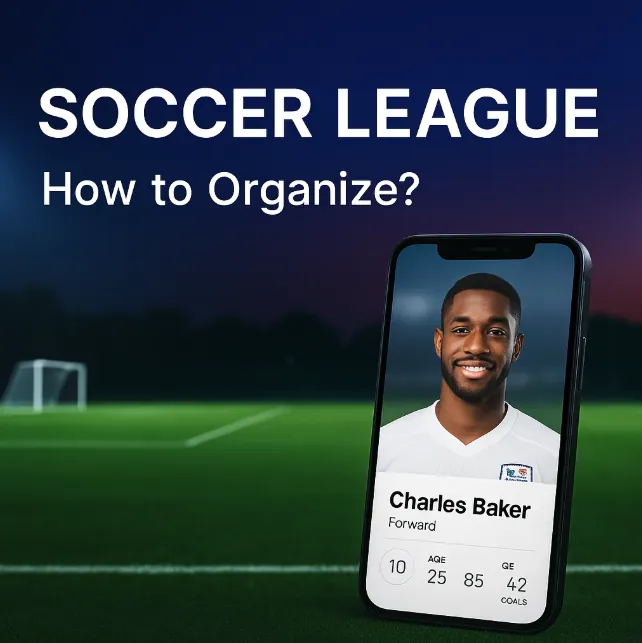
A sports club without a CRM flies blind. You sell tickets, move merchandise, run loyalty programs — but if your fan data lives in five different systems that never talk to each other, you cannot answer a basic question: who are your fans, and what do they want?
This guide walks you through how to evaluate CRM platforms for sports, what features matter most, and where clubs typically go wrong.
What a Sports CRM Actually Needs to Do
Generic CRMs (Salesforce, HubSpot, Zoho) handle contacts, deals, and pipelines. Sports clubs need something different. Your "customers" are fans — and fans behave nothing like B2B leads.
A sports CRM must handle six core jobs:
1. Unify Fan Data from Every Touchpoint
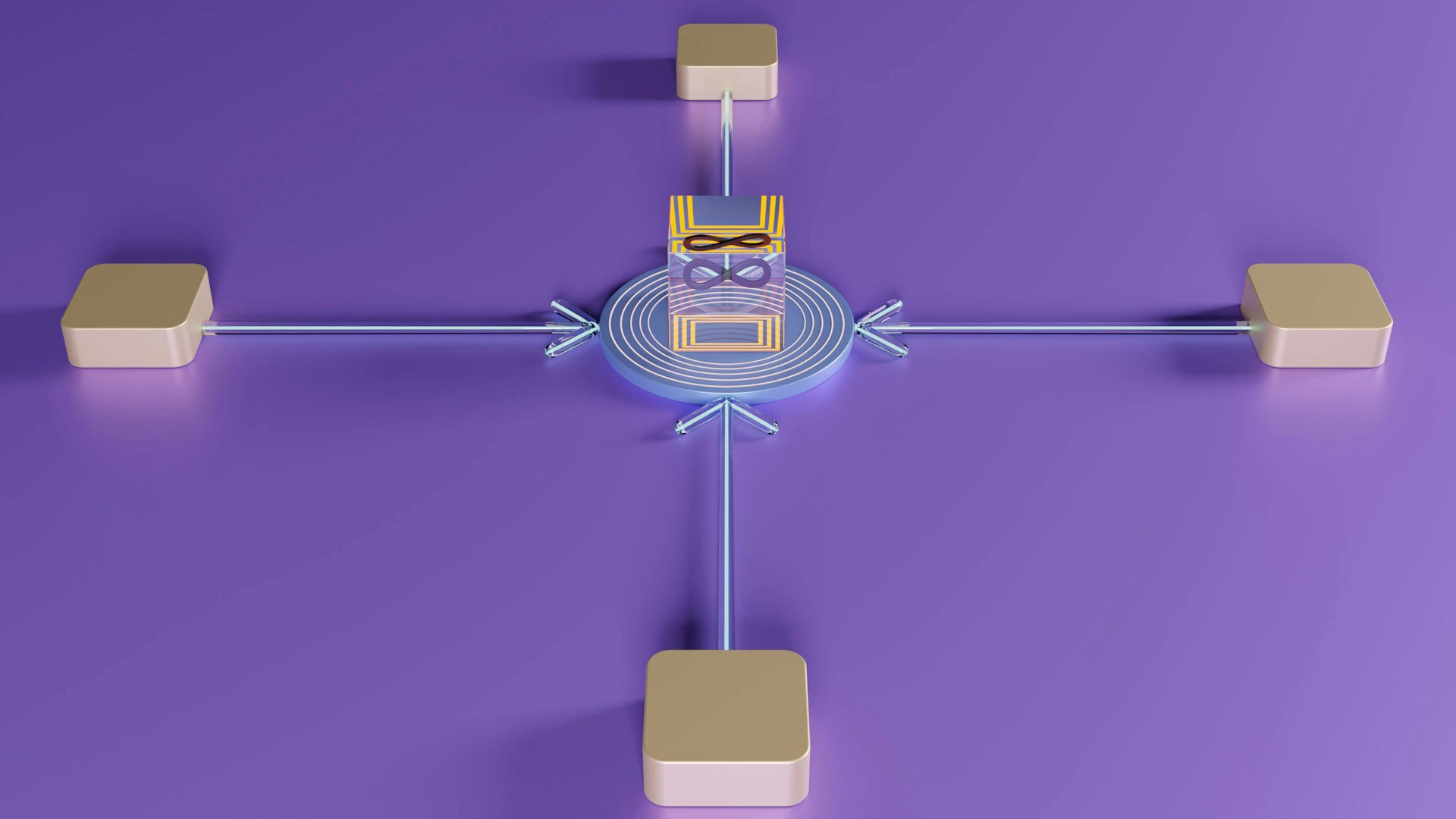
Fans interact with your club through the ticketing system, online store, mobile app, stadium Wi-Fi, social media, and physical box office. Each system captures a slice. A CRM must merge these slices into one profile per fan — what the industry calls a "Golden Record."
Without this, you end up sending a season ticket renewal email to someone who already renewed last week. Or offering a first-time discount to a ten-year loyal supporter.
2. Segment Fans by Behavior, Not Just Demographics
Knowing a fan is "male, 35, lives in Manchester" tells you almost nothing. Knowing he attended 18 of 23 home games, always buys two tickets (one adult, one child), spends on average $45 on merchandise per visit, and hasn't opened your last three emails — that tells you everything.
Look for a CRM that segments by:
- Attendance frequency — casual, regular, die-hard
- Spend patterns — tickets only, tickets + merch, premium experiences
- Engagement recency — active, cooling off, lapsed
- Acquisition channel — organic, referral, paid campaign
The best platforms use RFM analysis (Recency, Frequency, Monetary value) to score fans automatically.
3. Automate Campaigns Across Channels
Email alone does not cut it. Fans expect push notifications, SMS for time-sensitive offers, and personalized in-app messages. Your CRM should orchestrate campaigns across all channels from a single interface.
Key capabilities to evaluate:
- Triggered campaigns — a fan buys a ticket, they automatically receive a pre-match guide and parking offer
- A/B testing — test subject lines, send times, and offer types
- Dynamic content — the same email shows different merchandise to a family vs. a group of friends
- Suppression rules — never send more than X messages per week
4. Power a Real Loyalty Program
A loyalty program that only offers discounts trains fans to wait for the next sale. Strong programs offer:
- Status tiers tied to engagement, not just spending
- Experiential rewards — meet-the-team events, early access to playoffs tickets, behind-the-scenes tours
- Points for non-purchase actions — attending games, sharing on social media, referring friends
- A digital "showcase" where fans redeem rewards themselves
If your CRM cannot manage points, tiers, and reward fulfillment natively, you will end up bolting on a separate loyalty platform — and creating yet another data silo.
5. Integrate with Your Ticketing System
This is non-negotiable. If CRM and ticketing do not sync in real time, you lose the most valuable behavioral data you have: who actually shows up.
Check whether the CRM integrates with your ticketing provider (Ticketmaster, SeatGeek, Yandex Afisha, Infotech, or your in-house system). "Integration" means bidirectional: ticket purchases flow into fan profiles, and CRM segments feed back into targeted ticket offers.
The gold standard: your CRM knows not just that a fan bought a ticket, but that they scanned it at the turnstile. That distinction separates purchased-but-unused from actual attendance — and the marketing follow-up should differ.
6. Deliver Actionable Analytics
Every CRM claims "powerful analytics." Cut through the marketing and ask:
- Can I see revenue broken down by channel (tickets, season passes, merchandise, F&B)?
- Can I track campaign ROI — not just opens and clicks, but actual conversions to ticket sales?
- Can I build custom dashboards without calling a developer?
- Can I run holdout tests (send to 90% of a segment, hold back 10%) to measure true campaign lift?
If the analytics are limited to pre-built templates you cannot customize, you will outgrow them within a season.
CRM vs. CDP — Do You Need Both?
You will hear vendors use "CRM" and "CDP" interchangeably. They are not the same.
| CRM | CDP | |
|---|---|---|
| Primary job | Manage relationships and communications | Unify and store customer data |
| Data scope | Contacts, deals, campaign history | All behavioral data from every source |
| Users | Marketing and sales teams | Marketing, analytics, data teams |
| Identity resolution | Basic (email match) | Advanced (cross-device, probabilistic) |
A CRM without CDP capabilities struggles when fans use different emails for ticketing and the online store. A CDP without CRM capabilities collects data but cannot act on it.
The strongest sports platforms combine both: they resolve fan identity across sources (CDP) and let you run campaigns against unified profiles (CRM). When evaluating vendors, ask specifically: "If a fan registers on the website with one email and buys tickets with another, how does your system link them?"
Common Mistakes When Choosing a Sports CRM
Mistake 1: Choosing a Generic CRM and "Customizing" It
Bitrix, Salesforce, or Dynamics 365 can theoretically do anything. In practice, adapting a generic CRM for sports means months of custom development, ongoing maintenance costs, and a system that still does not understand concepts like "season ticket holder" or "match-day attendance."
Purpose-built sports platforms (EngageRM, Sport:80, Arenametrix, Revanta) ship with these concepts out of the box.
Mistake 2: Ignoring Data Ownership
Some vendors host your fan data on their infrastructure with restrictive export policies. If you switch providers or the vendor shuts down, you lose years of fan history.
Before signing, confirm:
- You own the data
- You can export full fan profiles (not just email lists) at any time
- The contract does not include a data lock-in clause
Mistake 3: Buying More Than You Need
A 500-seat lower-league club does not need the same platform as an NFL franchise. Start with what solves your immediate pain — usually data unification and basic campaign automation. Add loyalty, AI recommendations, and advanced analytics as your operation matures.
Mistake 4: Forgetting the Operations Team
The fanciest CRM fails if your marketing team of two cannot operate it. During evaluation, ask the vendor for a live demo where your team runs a realistic scenario: create a segment of fans who attended the last three home games but have not purchased a season ticket, then build a targeted email campaign with a personalized offer.
If this takes more than 30 minutes, the platform is too complex for your team.
Evaluation Checklist
Use this checklist when comparing platforms side by side. For the vendors themselves, see our comparison of CRM software for sports clubs.
Data & Integration
- Unifies fan data from ticketing, e-commerce, mobile app, and POS
- Bidirectional ticketing integration (purchases + turnstile scans)
- Identity resolution across multiple emails/devices
- You own the data with unrestricted export
Marketing & Campaigns
- Multi-channel campaigns (email, SMS, push, in-app)
- Behavioral segmentation and RFM scoring
- A/B testing built in
- Triggered automation (post-purchase, post-match, lapsed fan)
Loyalty & Engagement
- Points and tier management
- Non-purchase engagement rewards
- Experiential reward catalog
- Fan-facing redemption portal or app
Analytics & Reporting
- Revenue by channel dashboards
- Campaign ROI tracking (not just email metrics)
- Custom report builder
- Holdout testing capability
Operations
- Your team can run a campaign end-to-end in under 30 minutes
- Vendor provides onboarding and ongoing support
- Clear pricing — no hidden per-contact or per-message fees
- Proven track record with clubs of your size
What Happens After You Choose
Picking the CRM is step one. The real work starts with implementation:
- Data migration — clean and deduplicate your existing databases before importing. Garbage in, garbage out.
- Integration setup — connect ticketing, e-commerce, and POS. Budget 4-8 weeks for a typical sports club.
- Team training — block two weeks for hands-on training. Every person who touches fan data should know how to use the platform.
- First campaign within 30 days — set a hard deadline. The longer a CRM sits unused, the less likely adoption succeeds.
- Quarterly review — after three months, compare campaign metrics, fan engagement scores, and revenue attribution to your pre-CRM baseline.
The clubs that get the most from their CRM treat it as the central nervous system of their fan operations — not as "that thing marketing uses." When ticketing, merchandise, stadium operations, and marketing all feed into and act on the same fan data, you stop guessing and start knowing.
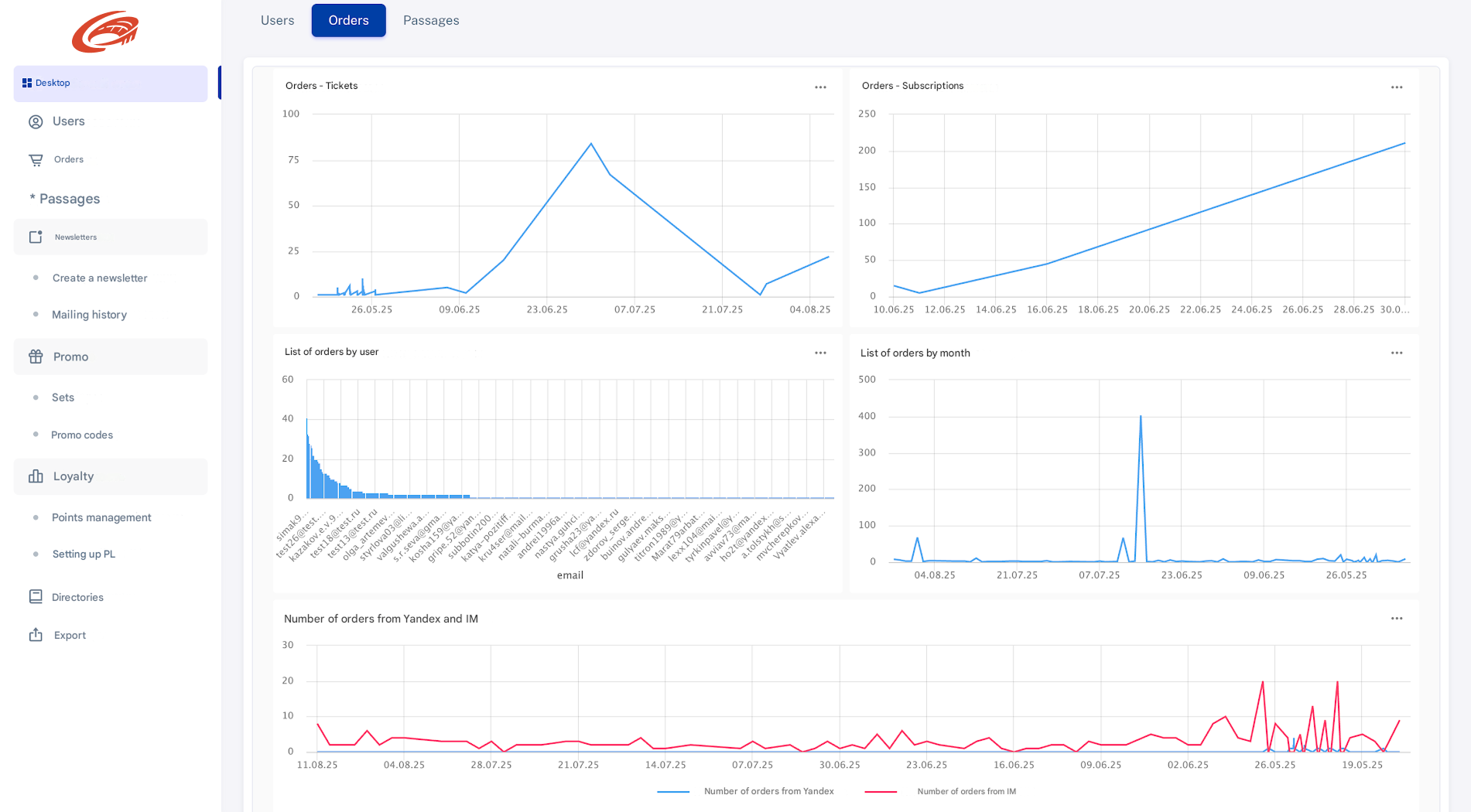
If you want to see how these requirements look in a working system, Revanta Loyalty is our sports CRM with ticketing, season passes and a fan loyalty program on one fan profile.