
Revanta SportSchool — Digital platform for running a sports academy
Trusted by








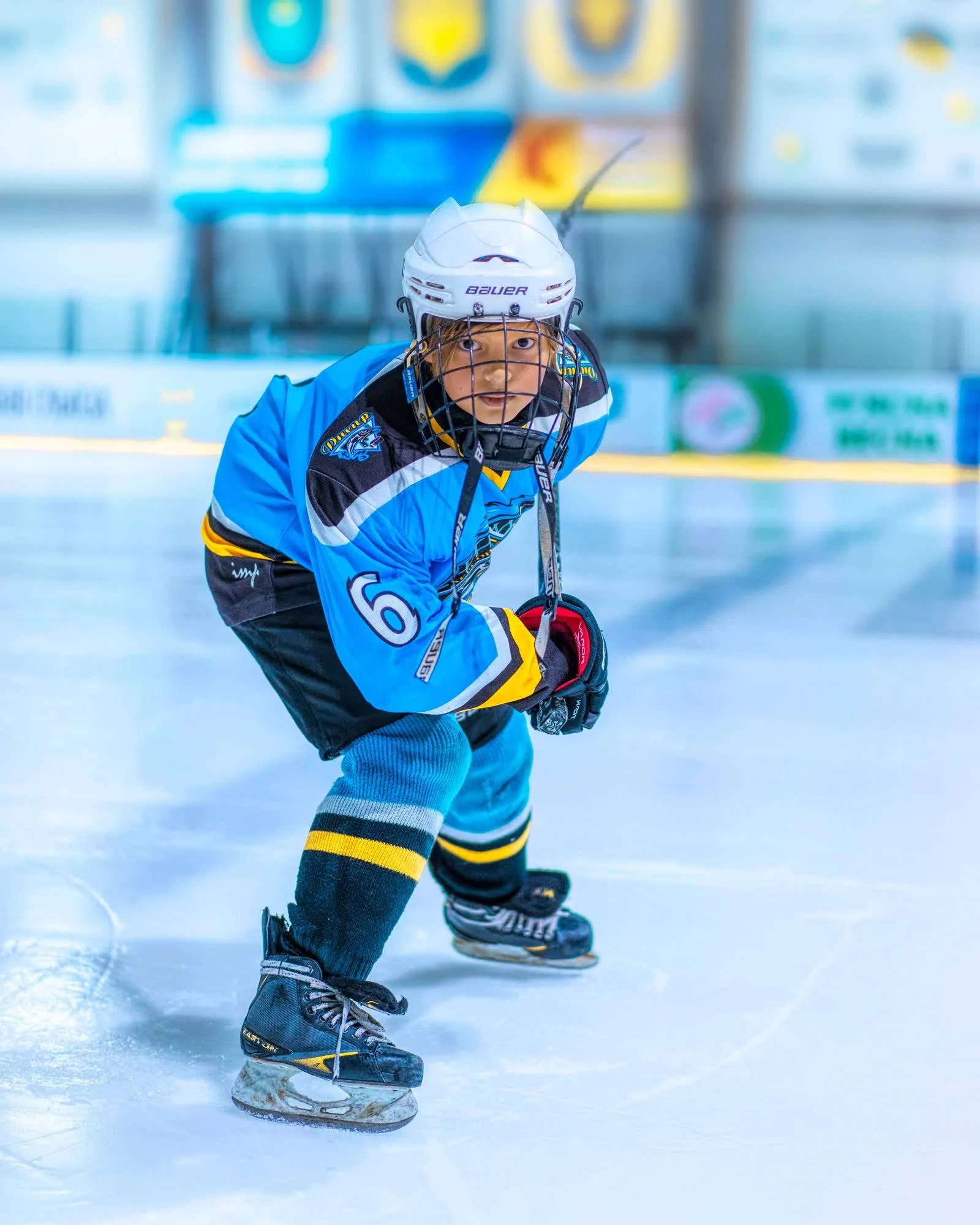
Schedules are assembled by hand in group chats, attendance and training load live in the coach's notebook, and fitness tests are recorded twice a year on paper — comparing a player with himself a year ago, or with his peers, is impossible, and squad decisions are made by eye.
Revanta SportSchool moves the whole training process into a system: from the coach's annual plan and venue load to a player card with test results and statistics. Management sees the academy as a whole, parents see their child's progress, and the methodology stays an asset of the school instead of leaving with the coach.
What changes for each role
What management gets
- Which children are developing, and how?
- Ask the coachTest, match and statistics dynamics for every player
- Is the training load plan being followed?
- Collating and comparing reportsPlan against actual in real time
- Which coaches are progressing best?
- Conversations and personal oversightA coach work history, squad development history, player test results, plans and reports
- What is left after a coach leaves?
- Notes in a notebookThe whole player history in the academy database
- Filing reports?
- Assemble by handGenerated automatically from data already entered
Capabilities
How it works
 Revanta
A new drill with a tactical diagram
The coach adds a drill with a title, category and description, and draws the diagram straight onto the rink — arrows for passes and shots, circles for players. A video link is optional.
- 1Documents → Drills → New drill
- 2Title and category
- 3Diagram on the board: arrow to the net, circle
- 4Description: setup and duration
- 5Add — the drill is in the library
RevantaThe academy drill library
Every drill the academy uses sits in one catalogue, each tagged with a category and its coach. Open a card, adjust the category or the description, and every coach sees the change.
- 1Documents → Drills
- 2Browse the catalogue
- 3Edit a drill
- 4Change the category and description
- 5Save
RevantaA practice plan built from the drill library
A practice plan is assembled from ready drills, each with its own note — ice or gym, minutes, stations. Update the plan and it is immediately available for any team practice.
- 1Documents → Practice plans
- 2Edit the plan
- 3Add a drill from the catalogue
- 4Note: venue and duration
- 5Save
RevantaThe annual training plan
Ice, dryland, SPT and theory hours by month, the number of games and testing sessions — the season plan is visible as a whole for every team. Under the planned figures sits the actual, pulled from the schedule.
- 1Season plan → pick a team
- 2Hours by month: ice, dryland, SPT, theory
- 3Games, testing and training period
- 4Save the plan
- 5Submit for approval
RevantaPlan approval by the academy head
The coach submits the plan — it stays Pending approval until the head of the academy decides. Approved, and the plan is locked against edits; returned for rework, and the coach can fix it.
- 1Season plan → Pending approval
- 2Open the team plan
- 3Review hours, periods and notes
- 4Approve or return for rework
RevantaAn event card with result and lineup
Clicking a game in the schedule opens a quick card with date, time, venue and status, and from there the full event: score, game video, lineup with stats and attendance — without switching between sections.
- 1Schedule → pick a game
- 2Date, time and venue
- 3Open event details
- 4Score and game video
- 5Lineup, stats and attendance
RevantaPractice summary and attendance marking
A summary across every practice at the academy: completed and upcoming sessions, ice and off-ice hours, average attendance. Inside each practice, quick marking per player — present, sick, excused, absent — saved automatically.
- 1Practices & games → academy summary
- 2Filter by team and status
- 3Open a practice
- 4Mark attendance per player
- 5The list shows the updated count
RevantaAdding a player to the academy prospects
From the season player stats the coach stars the promising ones — the player lands in Prospects, and the card shows season stats, attendance history and fitness test results.
- 1Players → season stats by team
- 2Star the player as a prospect
- 3The Prospects section
- 4The card: stats, attendance, fitness tests
What you start measuring
The numbers come out of the work a coach and an administrator already do every day. Nothing has to be filled in separately.
How many players moved to the MHL and above in a season.
From: Player historyHow many of the children selected stayed to the end of the season, and how they developed.
From: Team squadsThe share of players who improved between testing rounds.
From: Fitness testingDelivery of the training plan across the academy and its teams, and coach growth.
From: Annual planBy player, team and academy for any period.
From: Coach recordsThe share of slots taken in the schedule.
From: ScheduleHow a rollout works
Work in the system starts with the current season — there is no need to pause training.
- 01Data collection
Statistics, squads.
5–10 days - 02Environment setup
Players, plans and testing history are moved into the system.
2 days - 03Training coaches and administrators
Learning to work with the system.
2 weeks - 04Ongoing support
Support, refinements, onboarding new teams.
ongoing


Send us a note and we will get back to you
Leave your name and email — we will reach out to discuss the task.